Is Your Mac Running Slow? You’re Not Alone
A slow MacBook or iMac can be frustrating, whether you’re working from home, running a business, studying, or simply browsing the web. If your Mac takes minutes to start, apps freeze, or the spinning beach ball appears constantly, it’s a sign that something isn’t performing as it should.
At IT Fixed Computer Repair Christchurch, we specialise in diagnosing and repairing slow Macs. From older Intel MacBooks to the latest Apple Silicon models, we help customers across Christchurch improve speed, reliability, and overall performance without unnecessary replacements.
If you’ve been searching for:
- MacBook repair Christchurch
- Slow Mac repair Christchurch
- Mac optimisation Christchurch
- iMac running slow
- Apple computer repair Christchurch
- MacBook upgrade Christchurch
you’re in the right place.
Why Is My MacBook So Slow?
Many people assume their Mac is “getting old.” In reality, several issues can reduce performance, and many are fixable.
Your storage is almost full
macOS needs free storage to create temporary files and virtual memory.
If your SSD or hard drive is nearly full, your Mac will slow down considerably.
Signs include:
- Slow startup
- Slow Finder
- Apps freezing
- Long save times
Not Enough RAM
Modern software uses much more memory than older applications.
If you’re running:
- Chrome with many tabs
- Adobe Creative Cloud
- Final Cut Pro
- Microsoft Office
- Zoom
- Photoshop
your Mac may simply not have enough RAM available.
Older Intel Macs often benefit significantly from RAM upgrades.
Failing Hard Drive
Many older iMacs and MacBooks still use mechanical hard drives.
These are much slower than SSDs.
Replacing an old hard drive with an SSD can dramatically improve:
- Boot speed
- App loading
- File transfers
- Overall responsiveness
An SSD upgrade is often one of the best value improvements for older Macs.
Outdated macOS
Running an outdated operating system can lead to:
- Software compatibility issues
- Performance problems
- Security risks
We can safely update or reinstall macOS while preserving your important files whenever possible.
Background Apps
Many Macs become slow because too many programs automatically start when you log in.
Examples include:
- Dropbox
- OneDrive
- Adobe Creative Cloud
- Teams
- Spotify
- Google Drive
Removing unnecessary startup items often provides an immediate speed boost.
Malware and Adware
Although Macs are generally secure, they are not immune.
Common issues include:
- Browser hijackers
- Adware
- Fake antivirus software
- Cryptocurrency miners
- Malicious browser extensions
Our technicians remove unwanted software and restore performance safely.
Professional Mac Optimisation Services in Christchurch
Every Mac receives a comprehensive diagnostic assessment before repairs begin.
Our optimisation service includes:
Performance Diagnosis
We identify the real cause of slow performance instead of guessing.
SSD Upgrades
Installing an SSD can make an older Mac feel like a brand-new computer.
Benefits include:
- Faster startup
- Faster shutdown
- Faster app loading
- Better reliability
- Improved battery life
RAM Upgrades
Where supported, additional RAM allows smoother multitasking and faster professional applications.
macOS Repairs
We repair:
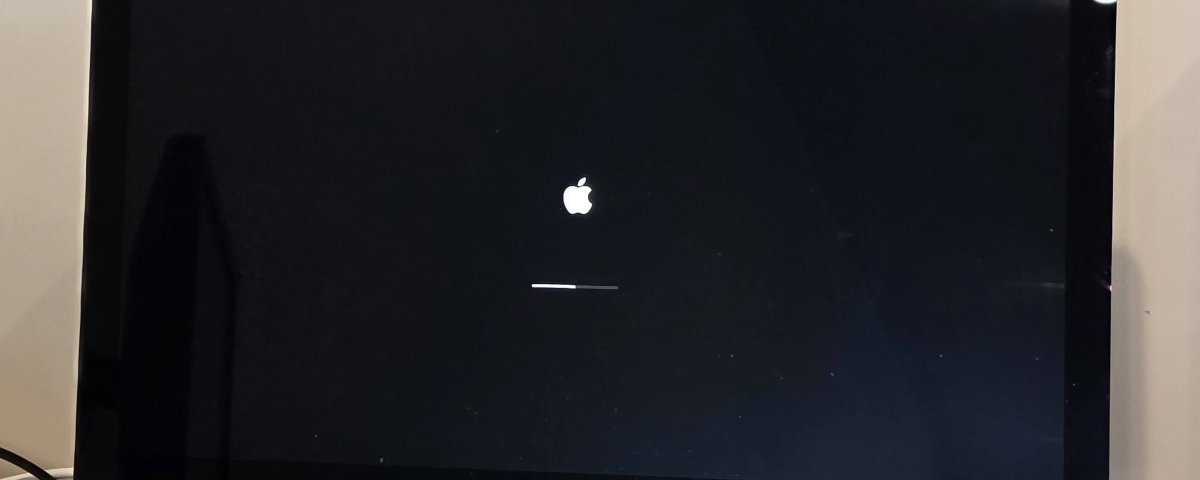
- Corrupted operating systems
- Startup problems
- Software crashes
- Update failures
- Boot loops
Internal Cleaning
Dust buildup causes overheating.
Cleaning internal cooling systems improves:
- Performance
- Fan noise
- Temperature
- Reliability
macOS Optimisation
We optimise:
- Startup applications
- Login items
- Background processes
- Storage management
- Cache files
Signs Your Mac Needs Professional Repair
You should book a repair if:
- Mac takes longer than two minutes to start
- Apps freeze regularly
- Rainbow spinning wheel appears frequently
- Battery drains quickly
- Fans run constantly
- macOS crashes
- Storage is always full
- Computer overheats
Why Choose IT Fixed Computer Repair Christchurch?
Unlike general computer shops, we specialise in Apple computers.
Customers choose us because we provide:
✅ Experienced Mac technicians
✅ Honest advice
✅ Fast turnaround
✅ Competitive pricing
✅ High-quality parts
✅ Local Christchurch support
✅ Warranty on repairs
We repair:
- MacBook Air
- MacBook Pro
- iMac
- Mac mini
Mac Performance Tips
To keep your Mac running smoothly:
- Keep macOS updated
- Remove unused applications
- Empty Downloads regularly
- Restart weekly
- Back up using Time Machine
- Avoid fake cleaning software
- Keep at least 20% free storage
Frequently Asked Questions
Can an older MacBook still be made fast?
Yes. Many older Macs become significantly faster after an SSD upgrade and professional optimisation.
Is buying a new Mac always necessary?
Not at all.
Many slow Macs simply need maintenance or upgraded hardware.
How long does optimisation take?
Most services are completed within 24–48 hours.
Can you upgrade all Macs?
Most Intel Macs can be upgraded. Newer Apple Silicon Macs have different hardware limitations, but we can still optimise software performance.
Will I lose my data?
We always take care to preserve your data. If needed, we recommend creating a backup before repairs.
Related Services
To strengthen your Mac’s performance and extend its lifespan, you may also be interested in:
- MacBook Screen Repair Christchurch
- MacBook Battery Replacement Christchurch
- Mac Liquid Damage Repair Christchurch
- Mac Data Recovery Christchurch
- Mac Keyboard Repair Christchurch
- Laptop Repair Christchurch
- Computer Repair Christchurch
Book Your Mac Performance Assessment Today
If your MacBook or iMac is running slowly, don’t replace it before speaking with the experts. In many cases, a professional optimisation, SSD upgrade, or repair can restore your Mac’s speed and extend its lifespan for years.
IT Fixed Computer Repair Christchurch provides trusted, affordable Mac repair services for home users, students, and businesses throughout Christchurch.
📞 Call: 03 978 0749
🌐 Website: https://itfixed.co.nz