Introduction: Christchurch’s Most Trusted Mac Repair Experts
If you’re a Mac user in Christchurch, you rely on your device for work, study, business, and everyday life. Whether it’s a MacBook for university, a high-end iMac for graphic design, or a Mac Mini for office use, your machine is essential — and when something goes wrong, you need a repair service you can trust.
That’s where IT Fixed Christchurch comes in.
With years of experience, high-quality parts, fast turnaround times, and transparent pricing, IT Fixed has become one of Christchurch’s leading local Mac repair specialists. This comprehensive guide covers the most common Mac issues, how they are repaired, and what you can do to prevent future problems.
This article is ideal for anyone searching for:
- Mac repair Christchurch
- MacBook repair Christchurch
- iMac repair Christchurch
- Mac screen replacement Christchurch
- Mac data recovery Christchurch
- Mac battery replacement Christchurch
- Apple computer repair Christchurch
Let’s dive into everything you need to know.
Common Mac Problems in Christchurch (and What Causes Them)
1. Cracked or Broken Screens
Probably the most common MacBook issue.
Reasons include:
- Drops or falls
- Pressure damage inside bags
- Hinges becoming loose
- Objects closing between the lid
Mac screens are delicate — especially Retina displays — and often need full assembly replacements.
2. Slow Performance, Freezing, or Spinning Wheel Issues
Slow Macs usually result from:
- Failing hard drives (especially in older iMacs)
- Too many background processes
- Corrupted software
- Insufficient RAM
- Overheating or dust buildup
- Failing SSD
In Christchurch, many customers report slowing after years of use or because their device still runs on an outdated HDD.
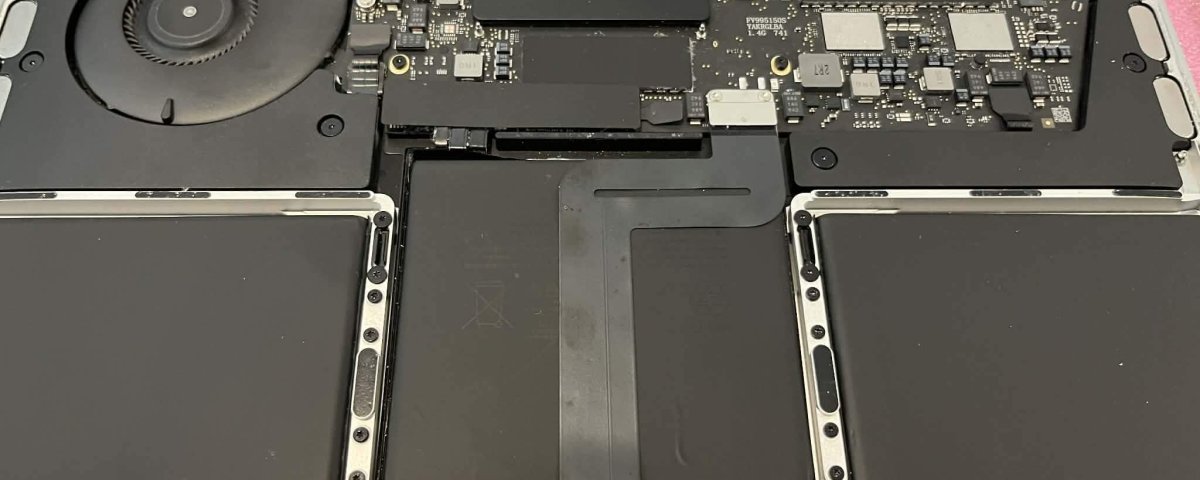
3. Swollen MacBook Battery
Battery swelling is a serious issue that should never be ignored.
Signs include:
- Trackpad not clicking
- Bottom case lifting
- Keyboard feeling raised
- Overheating
- Strong chemical smell
Swollen batteries are hazardous and require immediate professional replacement.
4. Water or Liquid Damage
Spills happen — coffee, juice, rain, or toddler accidents.
Liquid damage causes:
- Corrosion
- Short circuits
- Logic board damage
- Speaker failure
Professional cleaning and component repair greatly improve recovery chances.
5. Data Loss or Corruption
Some of the most stressful issues involve valuable data on:
- Photos
- University work
- Business documents
- Design projects
- Family videos
Data loss can occur due to:
- Failing hard drives
- Liquid damage
- Corrupted macOS
- Accidental deletion
- SSD controller failure
Thankfully, IT Fixed Christchurch has specialised tools for safe data recovery.
Mac Repair Services at IT Fixed Christchurch (Full Breakdown)
1. Mac Screen Repairs (MacBook, iMac & Mac Mini Displays)
Whether your screen is cracked, flickering, showing lines, or completely black, IT Fixed can replace or repair it.
Types of screen issues repaired:
- Cracked Retina displays
- Lines, flickering, or ghosting
- Dim screens or backlight problems
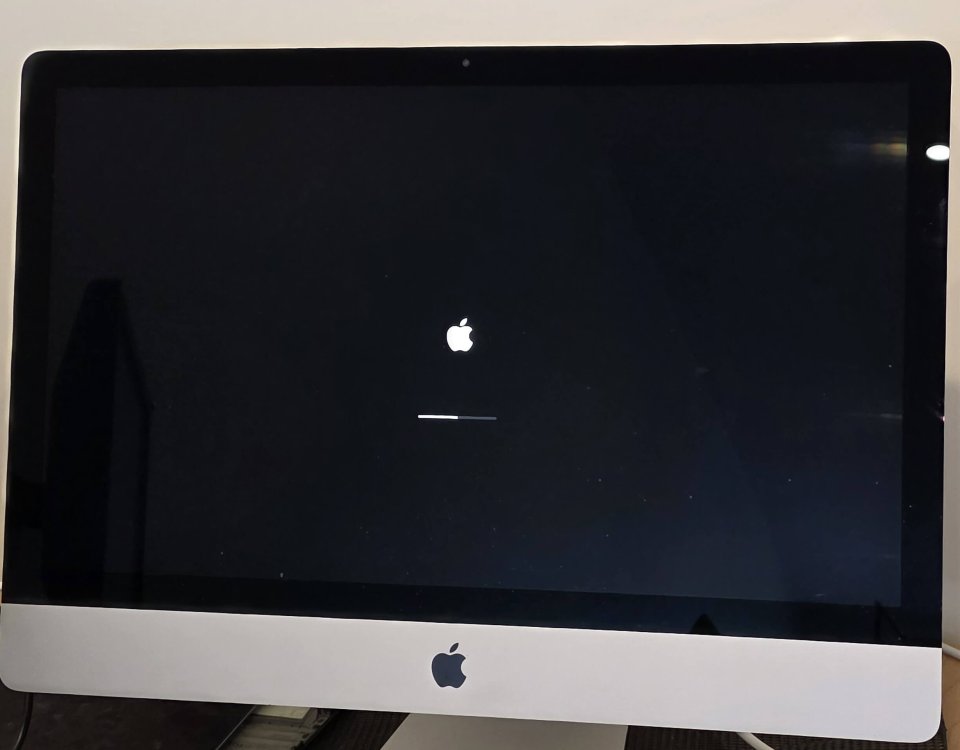
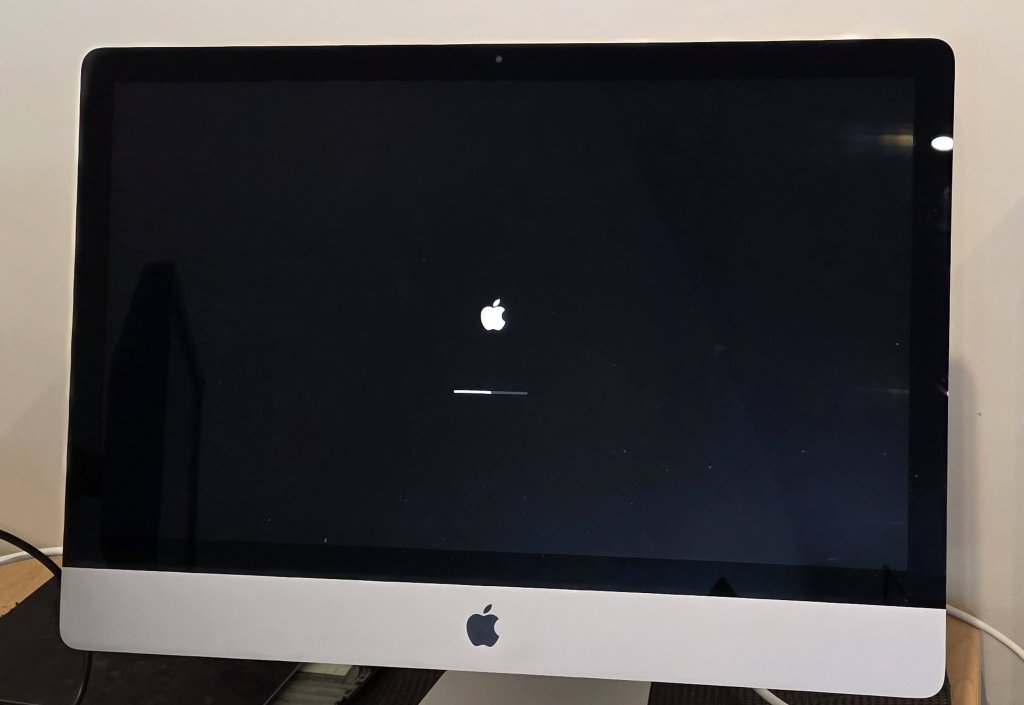
- iMac black screens
- Display connector issues
Typical price range (varies by model):
$597 – $997
Turnaround:
Same day to 2 weeks
Screen repairs are one of our most common services across Christchurch suburbs such as Riccarton, Halswell, Hornby, and Christchurch CBD.
2. MacBook Battery Replacement (Safe, Fast & Professional)
Swollen or failing batteries must be replaced immediately.
Signs you need a new battery:
- Rapid battery drain
- Mac shuts off at random
- macOS shows “Service Battery”
- Trackpad stops clicking
- Laptop warps or bottom case lifts
Typical price range:
$357 – $497
(depends on model)
Turnaround:
2–24 hours
Battery replacement includes:
- Removal of swollen/damaged battery
- Installation of a high-quality replacement
- Safety testing and thermal checks
3. Professional Data Recovery (Failed SSD/HDD, Liquid Damage & More)
Data recovery is one of the most valued services at IT Fixed.
We regularly recover data from:
- Failed hard drives
- Dead iMacs
- Spilled-on MacBooks
- Corrupted macOS
- Deleted partitions
- Crashed SSDs
- Non-booting Macs
Typical price range:
$257 – $897 depending on severity.
Recent Christchurch examples:
- Papanui: iMac with spinning wheel → Recovered 1TB of photos
- Riccarton: Liquid-damaged MacBook → Customer got all documents back
- Rolleston: SSD controller failure → Full recovery
4. Mac Hardware Upgrades (SSD, RAM, CPU thermal service)
Upgrades are the best way to extend your Mac’s lifespan.
Most common upgrades:
- SSD upgrade (dramatically speeds up iMacs & older MacBooks)
- RAM upgrade
- Thermal paste renewal
- New fans & sensors
- Clean and restore performance
Typical price range:
$357 – $697
5. Software Troubleshooting & macOS Repair
Not all problems are hardware-related.
IT Fixed also handles:
- macOS reinstall
- Virus/malware removal
- System optimisation
- File system repair
- Boot loop fixes
- Login issues
- System crashes
- iCloud problems
Typical price range:
$297 – $457
Local Christchurch Examples (Real Customer Cases)
Case 1 – Riccarton: MacBook Screen Broken
Customer dropped a MacBook Pro.
➡ Replaced full screen assembly
➡ Done in 24 hours
Case 2 – Sydenham: iMac Slow for Years
2013 iMac running on HDD.
➡ Upgraded to SSD
➡ Boots 10x faster
➡ Customer extremely happy
Case 3 – Addington: Mac Mini Not Turning On
Power supply failure.
➡ PSU replaced
➡ Full system test completed
Case 4 – Christchurch CBD: MacBook Liquid Damage
Coffee spilled across keyboard.
➡ Logic board cleaned
➡ Repaired circuits
➡ Recovered data
➡ System fully restored
How to Prevent Mac Problems (Pro Tips from Christchurch Technicians)
1. Regularly Back Up Your Mac
Use:
- Time Machine
- iCloud
- External SSD
2. Keep Air Vents Clean
Dust buildup leads to overheating and slow performance.
3. Update macOS Regularly
Updates fix bugs and improve stability.
4. Use a Hard Shell or Case
Especially important for students and office workers carrying Macs daily.
5. Avoid Cheap Chargers
They cause surges, battery swelling, and damage charging circuits.
Mac Repair Pricing Guide (Christchurch 2025)
(Price ranges vary by model, parts cost & condition.)
| Service | Price Range |
|---|---|
| Screen Replacement | $597 – $997 |
| Battery Replacement | $350 – $497 |
| iMac SSD Upgrade | $357 – $797 |
| MacBook SSD Upgrade | $357 – $697 |
| Data Recovery | $250 – $897 |
| macOS Reinstall / Software Repair | $297 – $457 |
| Diagnostics (Waived if repaired) | Low fixed fee |
| Logic Board Repair | $227 – $657 |
FAQs – Mac Repair Christchurch
1. Do you repair all Mac models?
Yes — MacBook Air, MacBook Pro, iMac, and Mac Mini (all years and models).
2. How long does a repair take?
Most repairs take 1-5 days, depending on parts and issue severity.
3. Is my data safe?
Yes — IT Fixed takes strong precautions to protect your data.
4. Do you offer same-day MacBook repair?
Yes, for many services, including battery and software repairs.
5. How much is a Mac screen replacement?
Between $597–$997, depending on your model.
6. Do you repair water-damaged Macs?
Yes — with high success rates.
7. My iMac won’t turn on — can it be fixed?
Common issues include PSU failure, logic board faults, or bad HDDs. Most are repairable.
8. Do you offer business repairs?
Yes — fast service for Christchurch businesses, offices, and professionals.
Call to Action
📞 Call IT Fixed Christchurch: 03 978 0749
🌐 Visit: itfixed.co.nz
📍 Local Christchurch Mac Repair Specialists – Fast, Trusted, Affordable