Introduction
Apple Macs are known for their durability, speed, and innovative design. But even the most reliable Macs can experience problems over time. Whether you own a MacBook Pro, MacBook Air, or iMac, issues like slow performance, battery failure, or screen damage are common in Christchurch.
If you’re searching for Mac repair in Christchurch, understanding these problems and their solutions is essential. Local experts can save you time and money while restoring your Mac to peak performance. Here’s a detailed guide to the five most common Mac issues in Christchurch.
1. Slow Performance
Signs Your Mac is Slow:
- Applications lag or freeze
- Startup and shutdown take longer than usual
- Multitasking feels sluggish
Causes:
Slow performance is often caused by full storage drives, outdated macOS versions, or background processes consuming excessive CPU and RAM.
Solutions:
- Clear Storage: Delete unnecessary files, duplicates, and downloads.
- Close Background Apps: Monitor high-resource apps in Activity Monitor (Apple Guide).
- Update macOS: Ensure your Mac is running the latest version (Apple macOS update guide).
- Upgrade Hardware: Older Macs may benefit from extra RAM or SSD upgrades (Mac upgrade services Christchurch).
Christchurch Tip: Trusted Mac repair services in Christchurch can optimize your Mac, upgrade hardware, and boost performance efficiently.
2. Battery Issues
Symptoms:
- Rapid battery drain
- Unexpected shutdowns
- Battery health shows “Service Recommended”
Causes:
Batteries degrade over time. Overcharging, extreme temperatures, and prolonged use reduce battery efficiency.
Solutions:
- Check Battery Health: System Preferences → Battery → Battery Health (Apple battery health guide).
- Optimize Charging: Enable macOS’s optimized battery charging.
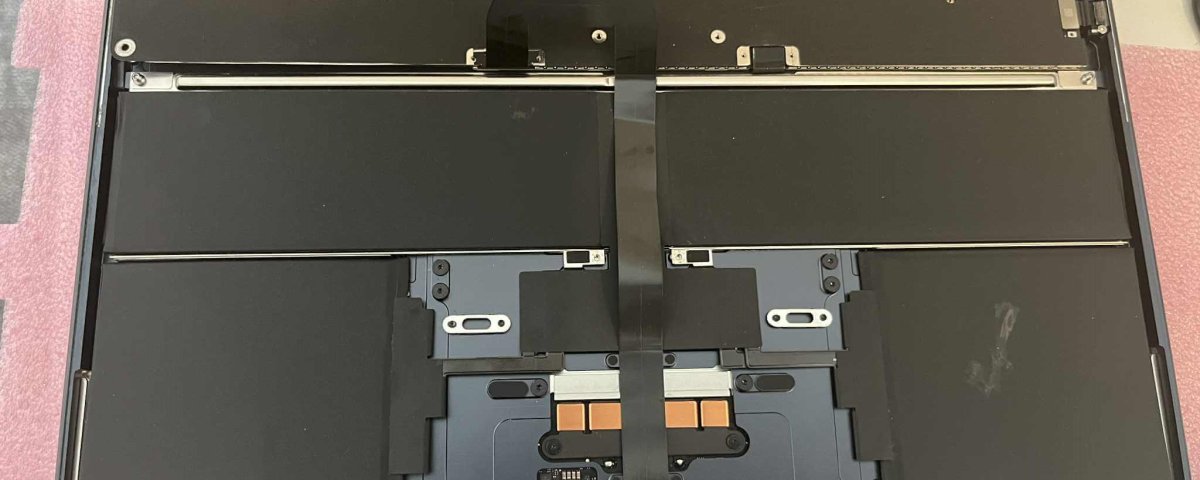
- Battery Replacement: For older MacBooks, replacement ensures reliability (Mac battery replacement Christchurch).
Christchurch Tip: Certified MacBook repair centers in Christchurch provide genuine Apple battery replacements for long-lasting performance. Avoid third-party batteries that may cause damage.
3. Overheating
Signs Your Mac is Overheating:
- Excessive heat near vents
- Fans running constantly
- System slows down to prevent damage
Causes:
Overheating is often due to dust buildup, heavy application usage, or hardware aging.
Solutions:
- Clean Air Vents: Use compressed air to remove dust.
- Limit Heavy Apps: Reduce simultaneous high-performance apps.
- Use Cooling Pads: External solutions help maintain safe temperatures.
- Monitor System Resources: Identify apps consuming high CPU via Activity Monitor (Apple guide).
Christchurch Tip: Local Mac repair services in Christchurch offer professional cleaning and thermal paste replacement to prevent overheating.
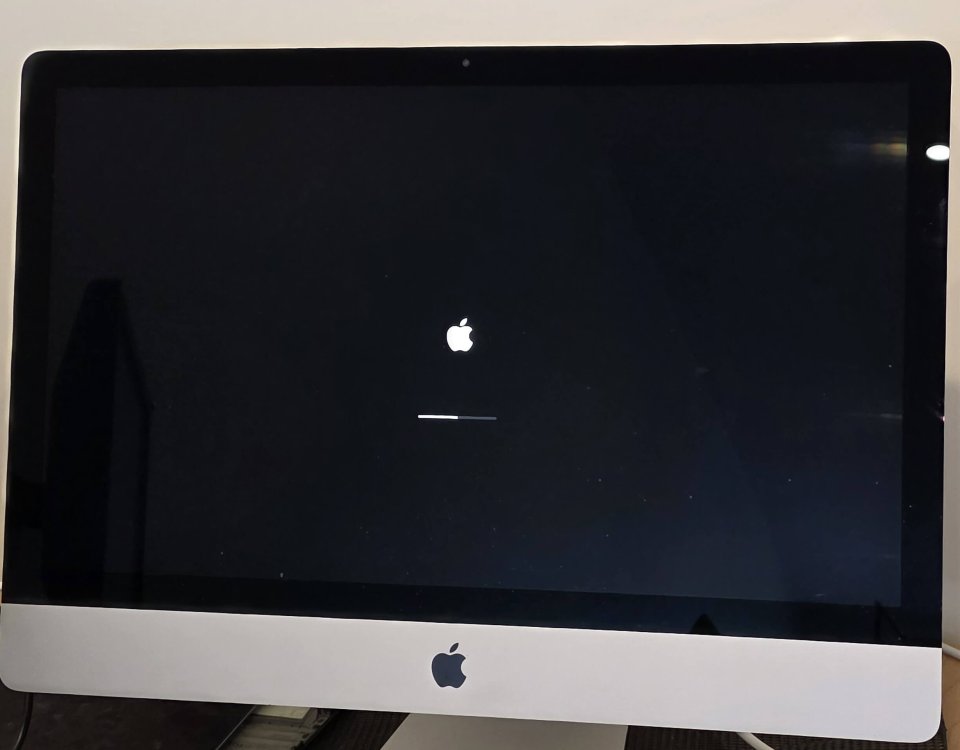
4. Software Glitches and macOS Errors
Symptoms:
- Application crashes
- Kernel panics (gray screen or sudden reboot)
- Errors during updates
Causes:
Corrupted files, outdated apps, or incomplete macOS updates cause software glitches. Malware is rare but possible.
Solutions:
- Update macOS and Apps: Always keep software current (Apple macOS update guide).
- Safe Boot: Boot in Safe Mode to troubleshoot without third-party interference.
- Reinstall macOS: Resolves persistent software issues.
- Backup Data: Use Time Machine or iCloud before major fixes.
Christchurch Tip: Specialised Mac repair technicians in Christchurch can remove malware, fix corrupted files, and restore software stability.
5. Faulty Keyboard, Trackpad, or Screen
Signs of Hardware Issues:
- Unresponsive or sticky keys
- Trackpad gestures fail
- Screen flickering, cracking, or dead pixels
Causes:
Physical wear, liquid spills, or accidental drops. Butterfly keyboards (2015–2019) are especially prone to failure.
Solutions:
- Keyboard & Trackpad: Cleaning may help; persistent issues need replacement (MacBook repair Christchurch).
- Screen Repairs: Cracked or flickering screens require professional replacement.
- Protective Measures: Keyboard covers and screen protectors reduce future damage.
Christchurch Tip: Certified Mac repair services in Christchurch use genuine Apple parts for keyboards, trackpads, and screens, restoring your Mac’s functionality.
Why Christchurch Mac Owners Should Choose Local Repair Services
Choosing local Mac repair in Christchurch ensures:
- Fast Turnaround: Repairs completed quickly without shipping delays.
- Expert Knowledge: Technicians familiar with common local Mac issues.
- Genuine Parts: Certified Apple components for durability.
- Personalized Support: Direct consultation and expert advice.
Whether it’s MacBook repair Christchurch, iMac repair, or general Mac repair services Christchurch, local expertise guarantees quality results.
Conclusion
Even the most reliable Macs are not immune to issues. The five most common Mac problems in Christchurch include slow performance, battery failure, overheating, software glitches, and hardware issues. Regular maintenance, timely updates, and professional repair services can keep your Mac in excellent condition.
If your Mac is showing any of these signs, contact a trusted Mac repair service in Christchurch. Certified technicians provide expert solutions, genuine Apple parts, and fast, reliable service. With professional care, your Mac will continue delivering the performance and reliability you expect.